Get unfair advantages!

Geotechnical operations software for Australian teams

Connect field, lab, and reporting workflows in one single suite. Accelerate turnaround from field to final report. Make your team more efficient!

From the Field to Office

Keep your field crews and office team on the same page. Bring site notes, photos and project updates together, so everyone has the information they need to keep work moving.

  • Capture site notes and photos
  • Keep project information in one place
  • Coordinate field crews and office teams
  • Track job progress from site to office
  • Turn field records into clear reports
See how GeoCRM could connect your field and office workflow

See Demo

Everything your team needs, working together

Move from the first site view to the final report without losing context between tools.

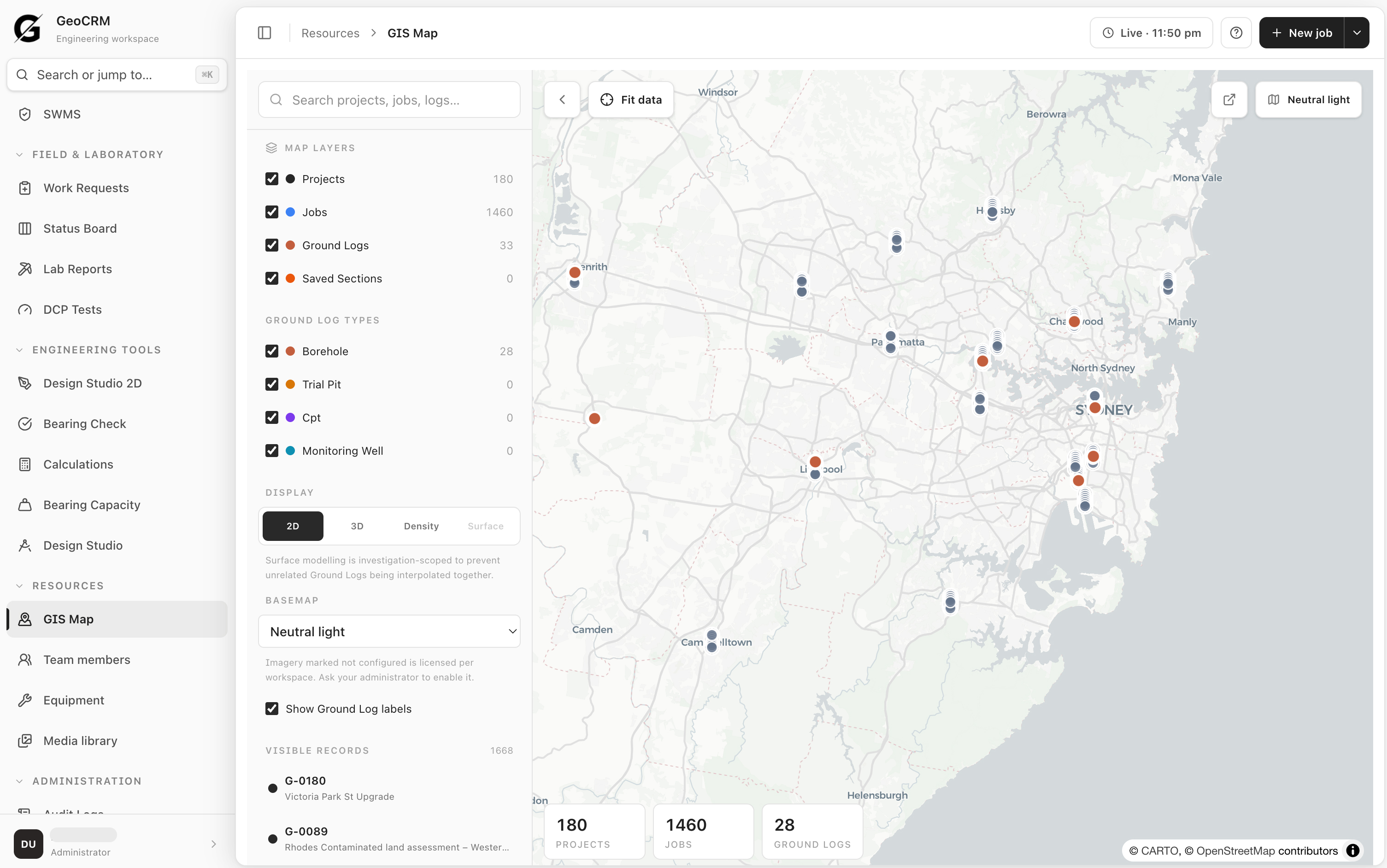
See the whole operation in one place

360 degree view

See the whole operation in one place

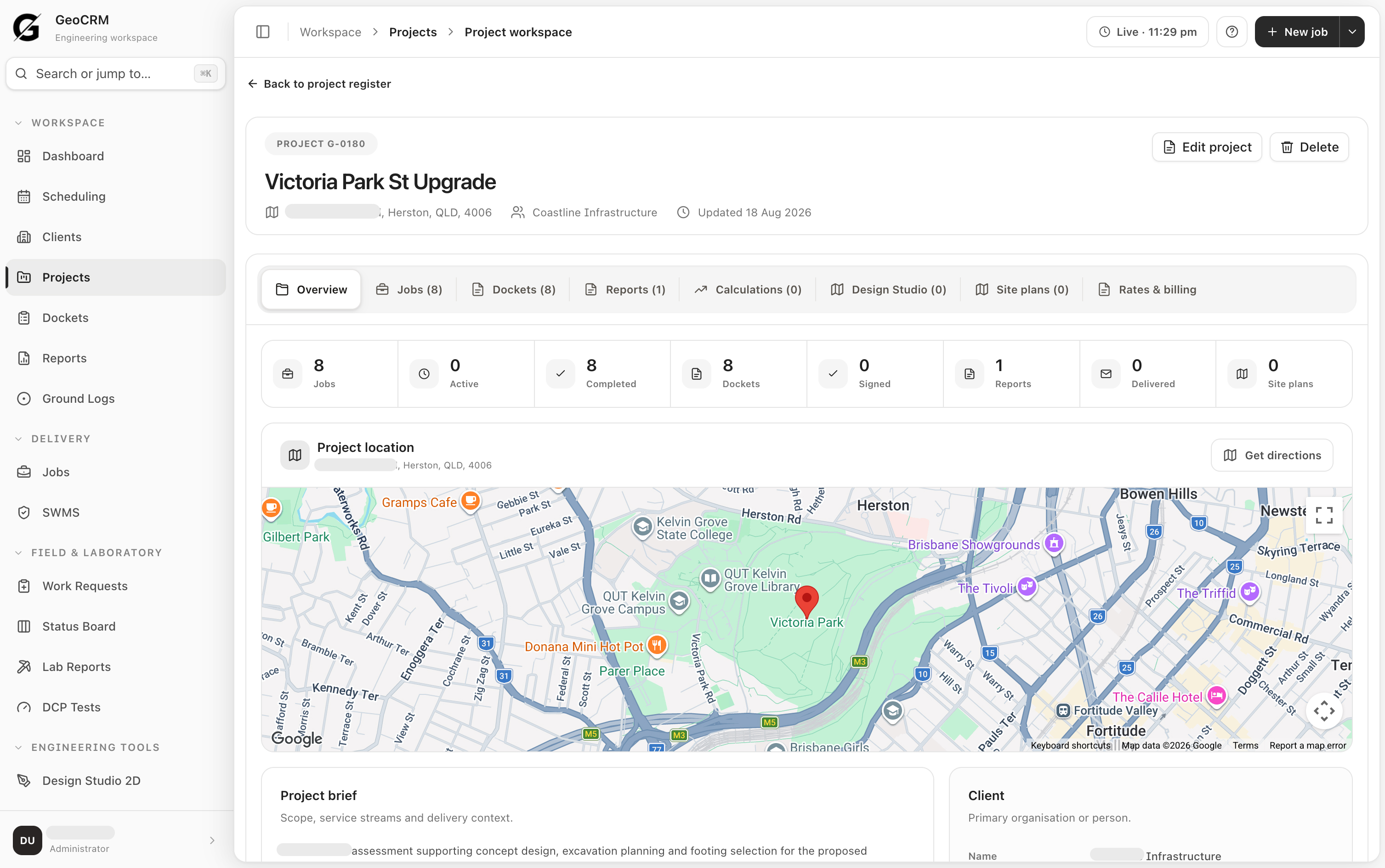
Bring projects, jobs, field activity and site information into one current operational view.

  • Map every active project and job
  • Keep office and field records connected
  • Find the right information without switching systems
Explore site maps and GIS
[01] Core workflow

One connected record from project setup to final report. Plan the work, capture what happened on site, track the office handoff and build the deliverable without reconstructing the job from separate tools.

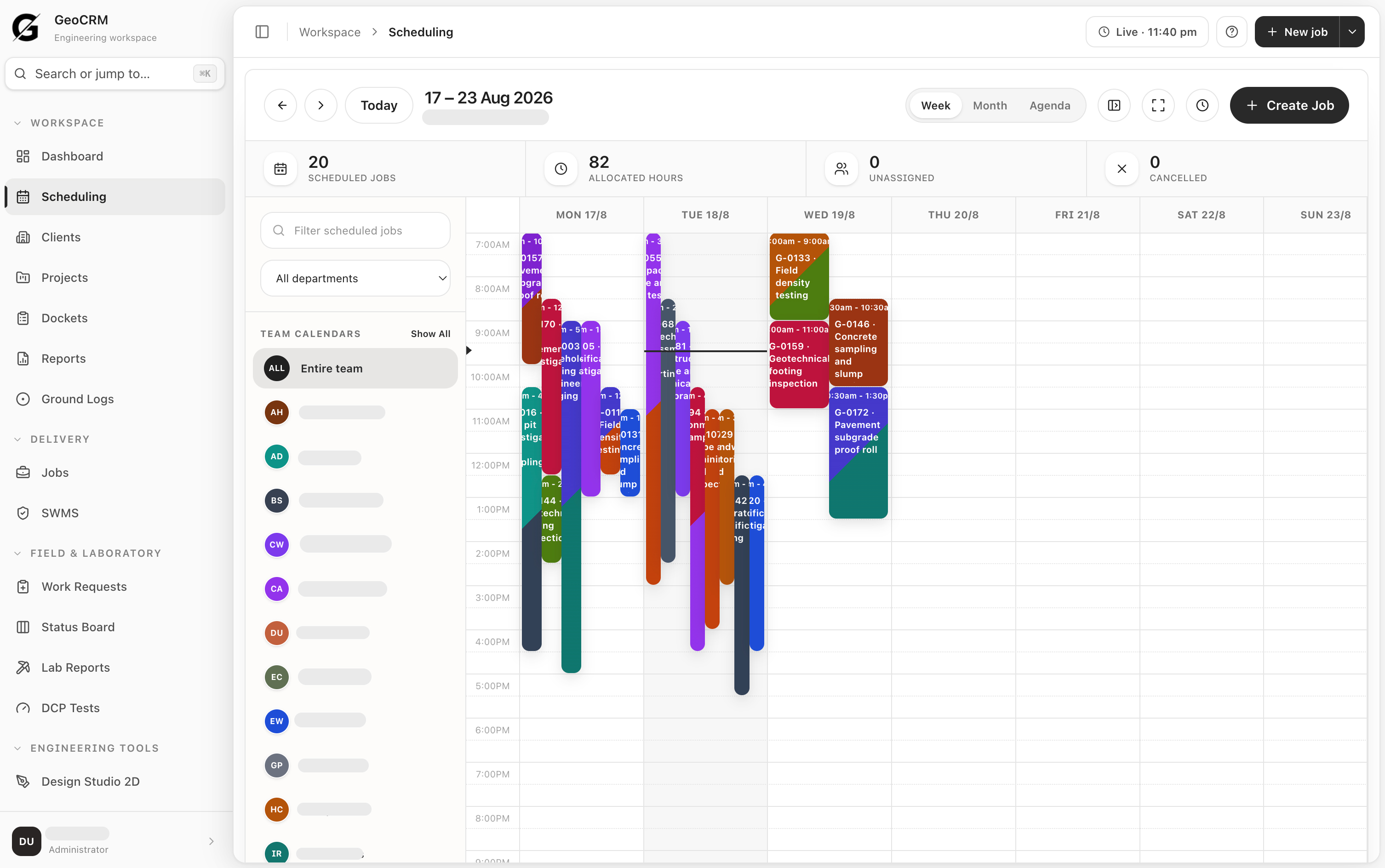
Plan the field week with the job context attached.

See the live weekly schedule, allocated hours, unassigned work, and department or team capacity. Create each job with its project, location, timing, and dispatch context in one place.

Explore job scheduling
Plan the field week with the job context attached.

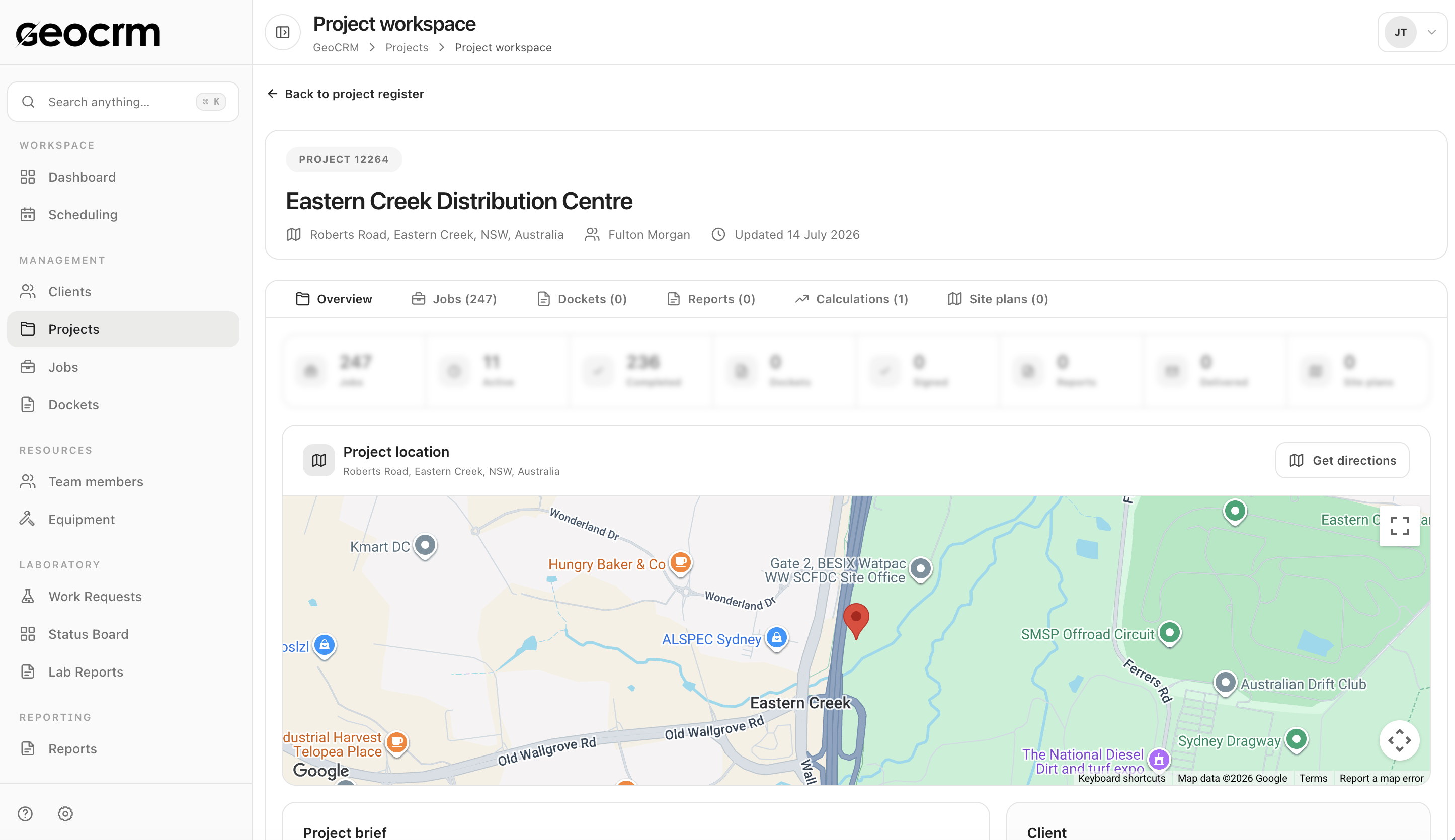
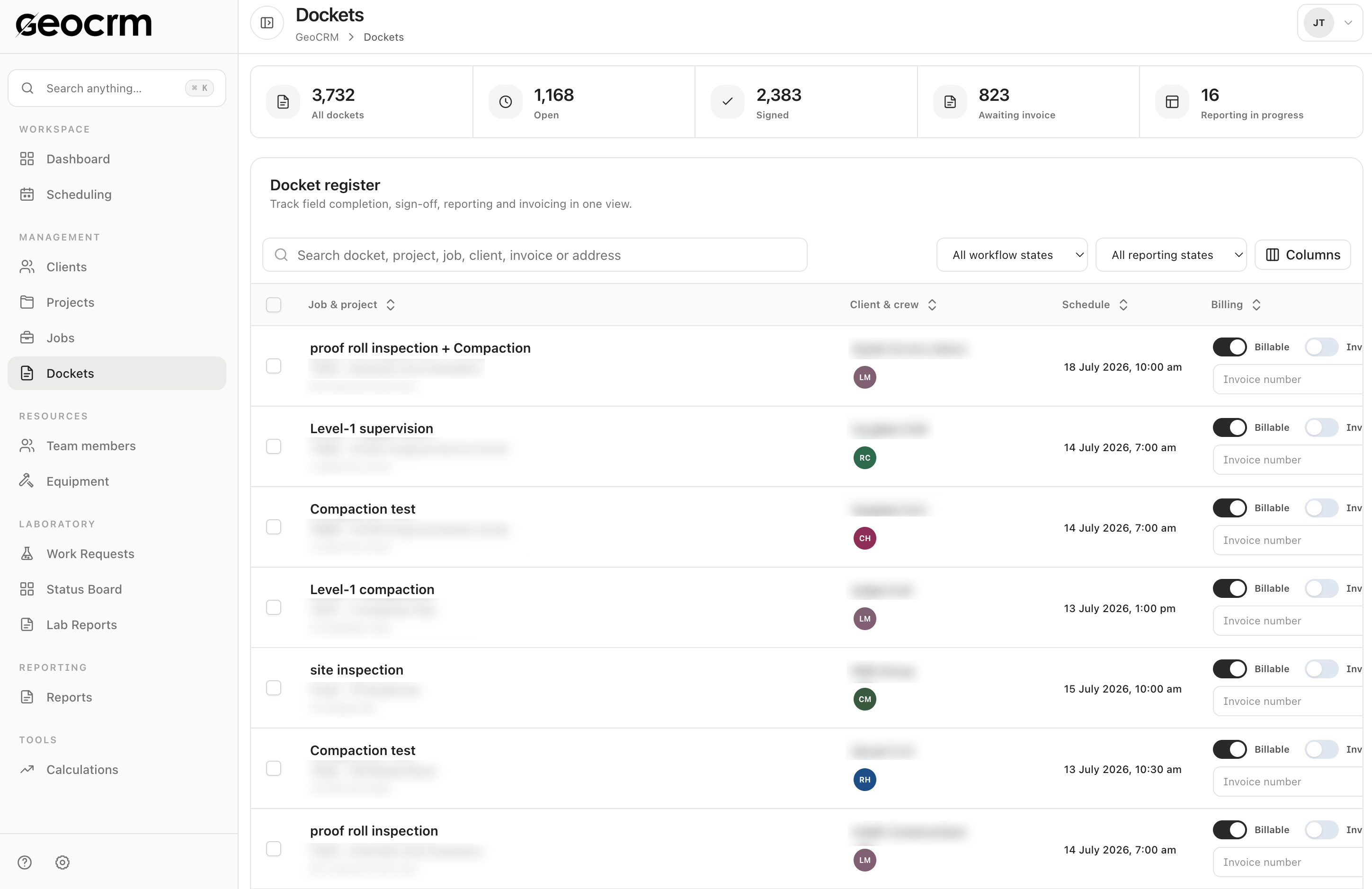
Track every docket through sign-off, reporting, and invoicing.

The docket register connects field completion to the job, project, client, crew, and schedule — with workflow, reporting, and billing status visible to the office.

Explore dockets management
Track every docket through sign-off, reporting, and invoicing.

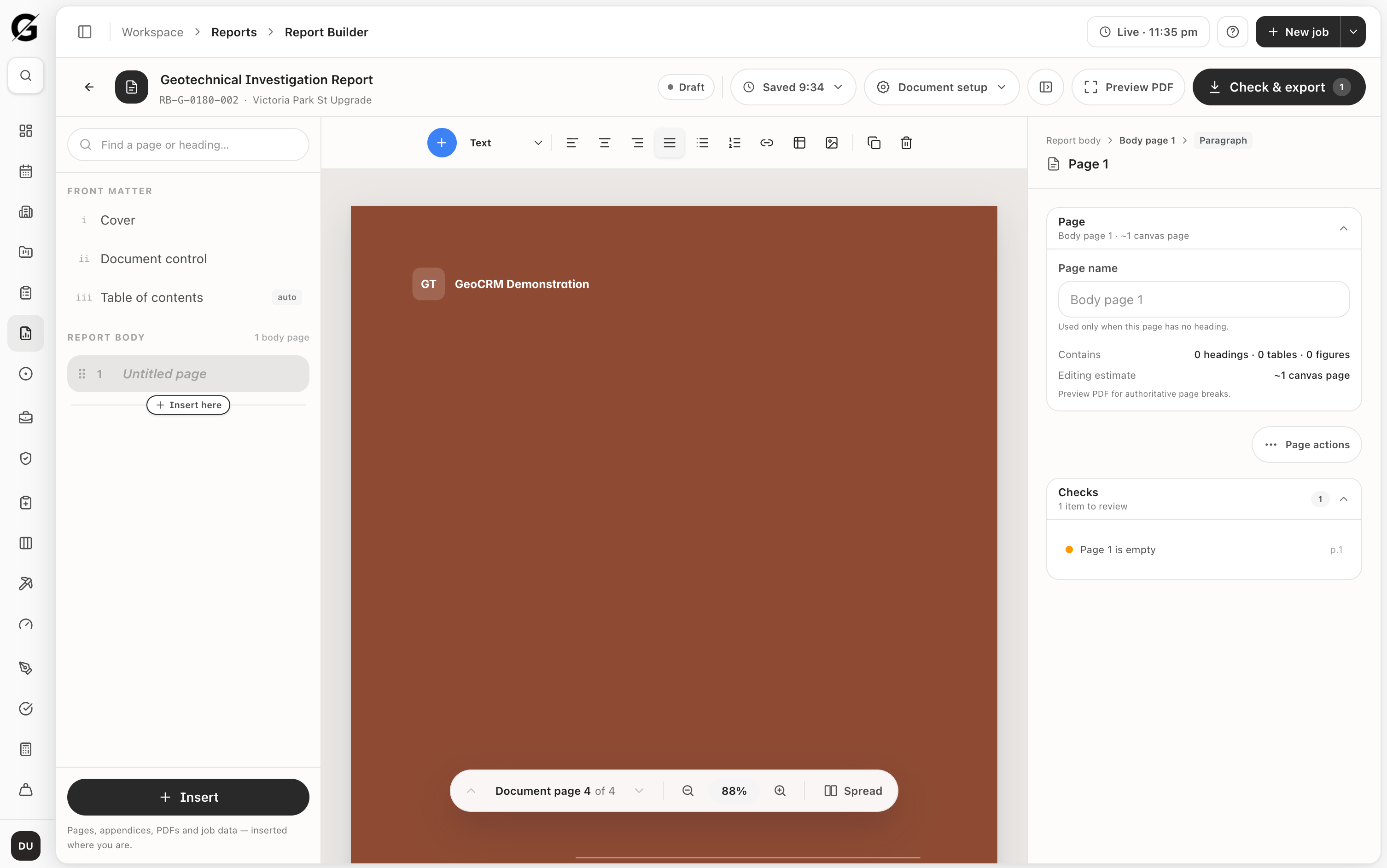
Build reports and retain the engineering trail.

Use the visual report builder with project, job, and template context. Save engineering calculations with their results, status, and revision history for a traceable review process.

Explore geotechnical reporting
Build reports and retain the engineering trail.

See GeoCRM running your own projects.

[02] Field to report

Bring one real project to the demo.

We will map how it moves from scheduling through field completion, docket review and reporting inside GeoCRM.